
Using Lockit
Edit and delete
Rename a resource, change its description or updates channel, or remove it.
Edit a resource (Slack)
- Send
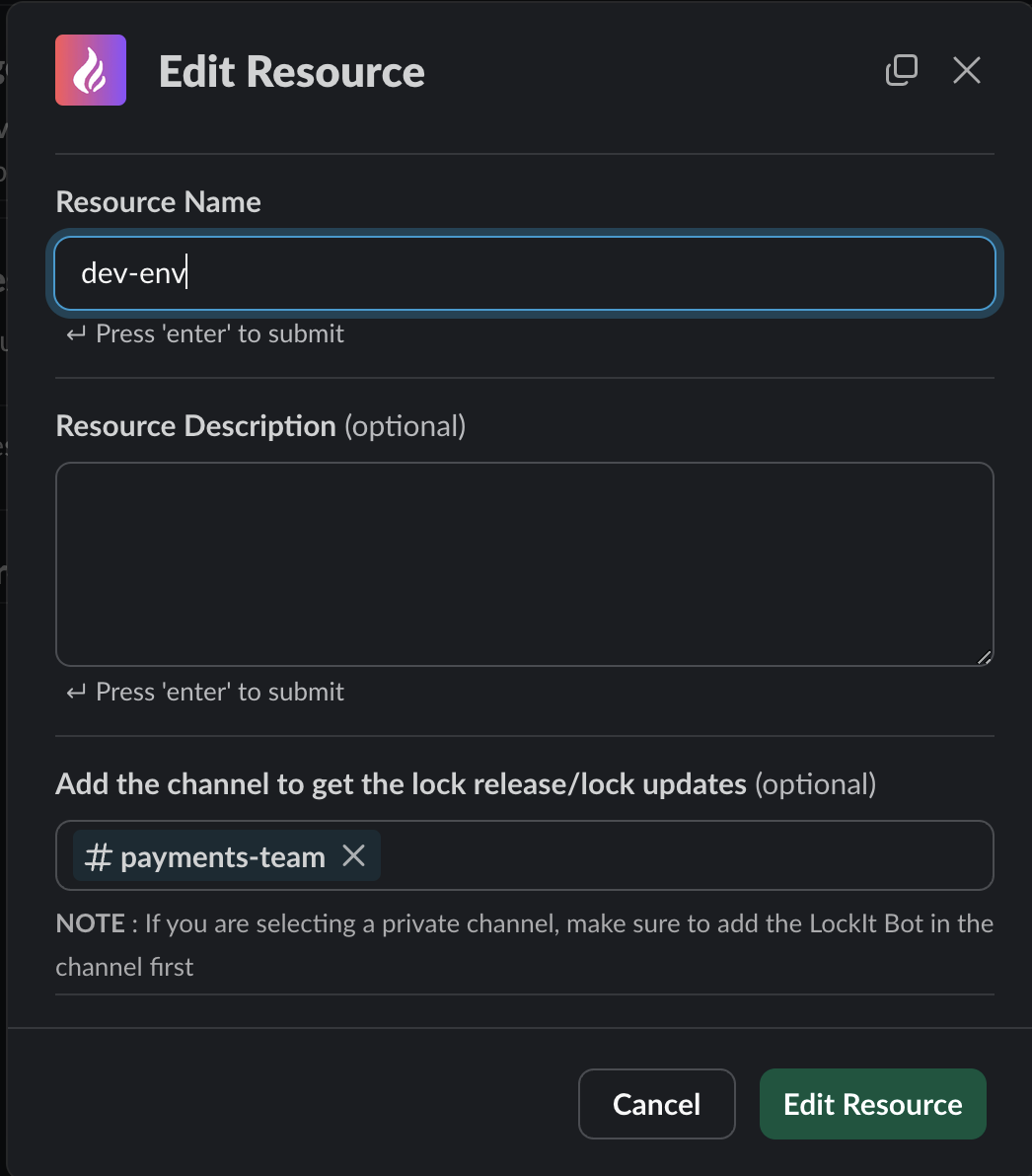
@Lockit edit <name>, or click Edit next to the resource in@Lockit listor the App Home. - In the Edit Resource form, change any of:
- Resource Name
- Resource Description
- Channel for lock/release updates
- Click Edit Resource.
If you rename a resource, tell your team, and update any scripts or CI jobs that use the old name.
Delete a resource (Slack)
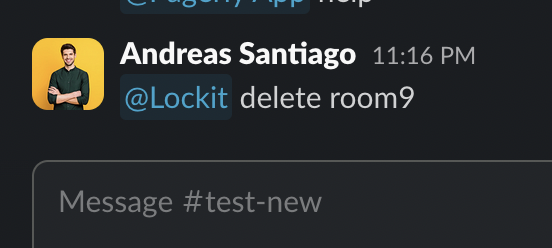
Send @Lockit delete <name>, or click Delete next to it in @Lockit list or
the App Home.
Deleting removes the resource for the whole workspace. To get it back, create it again.
Who can delete (Discord and Teams)
On Discord and Microsoft Teams, a resource can have admins. When it does, only an admin or the person who created it can delete it.
Through the API
Resources can also be deleted with DELETE /resources/{name}. See the
API reference.