
Using Lockit
Lock and release
Lock a resource while you use it, release it when you're done.
A lock says "this is mine until a set time". Only one person holds a resource at a time. Everyone else can see who has it and until when.
Slack
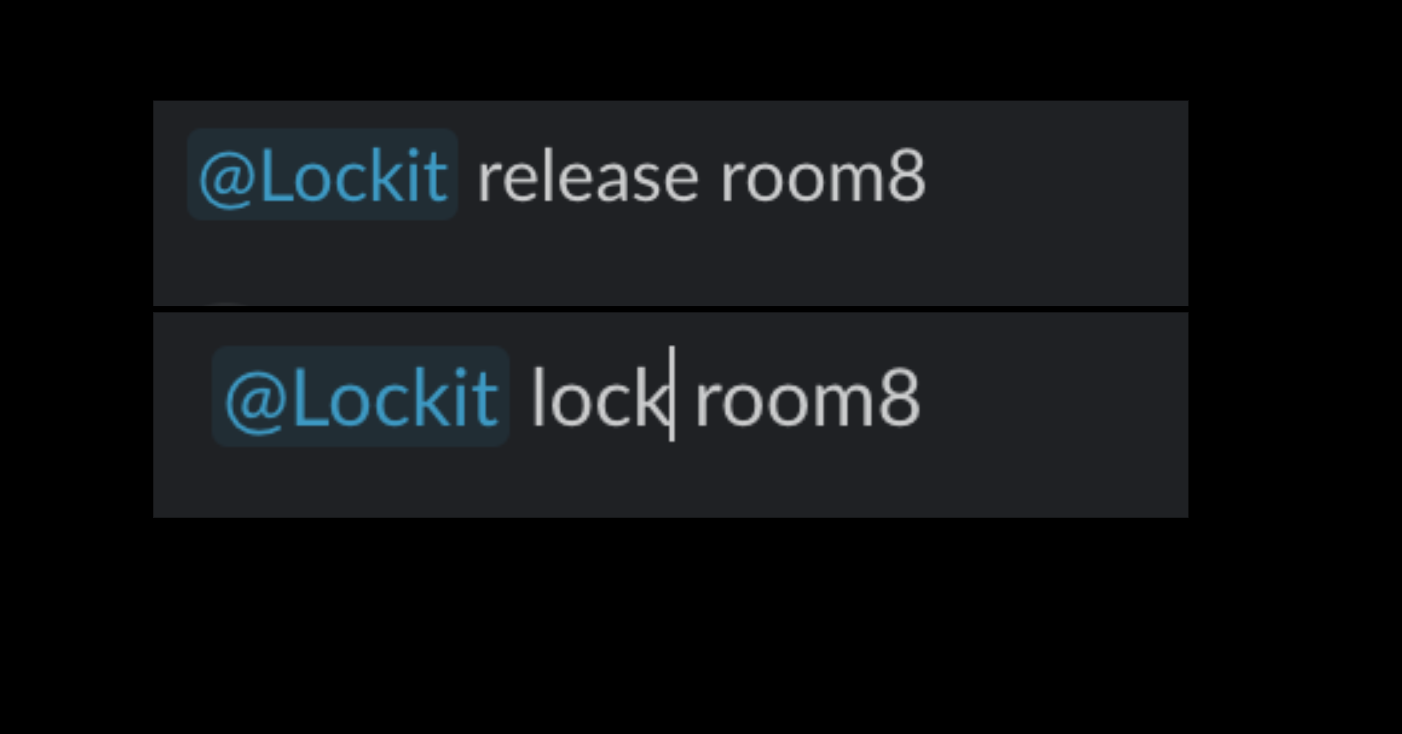
Lock:
@Lockit lock room8
Release:
@Lockit release room8
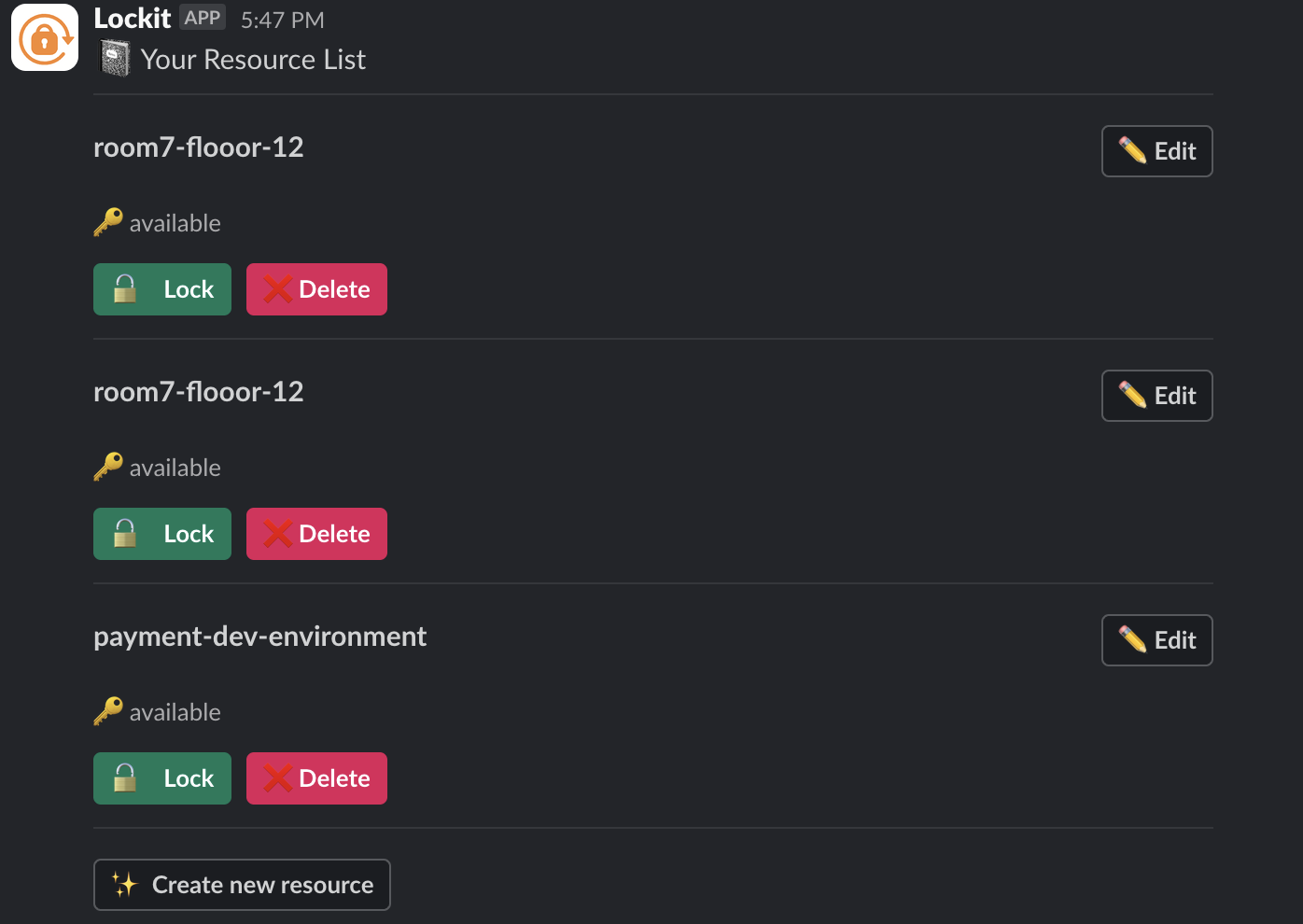
You can also use buttons instead of typing:
@Lockit listshows every resource with its status and a Lock button.- The App Home lists the resources you hold, each with a Release Lock button.
Discord
/lockit lock resource:staging-db duration:2 hours
/lockit release
duration accepts 30 minutes, 2 hours, till 6pm and similar.
Microsoft Teams
In a channel:
@Lockit lock db 2 hours
In a one-to-one chat with Lockit, the same without @Lockit.
How long a lock lasts
If you give a duration, that's it. If you don't, Lockit uses the resource's default, then the workspace default, and if neither is set, 48 hours. See Lock durations and defaults.
Release as soon as you're done, even if your lock has time left. The next person may be waiting, and anyone who asked to be alerted is told straight away.
When someone else has it
Lockit tells you who holds it and when the lock ends, with two options: get an alert when it's released, or ask the holder to hand it over. See Alerts and takeovers.