
Using Lockit
Team channel updates
Have Lockit post in a channel every time a resource is locked or released.
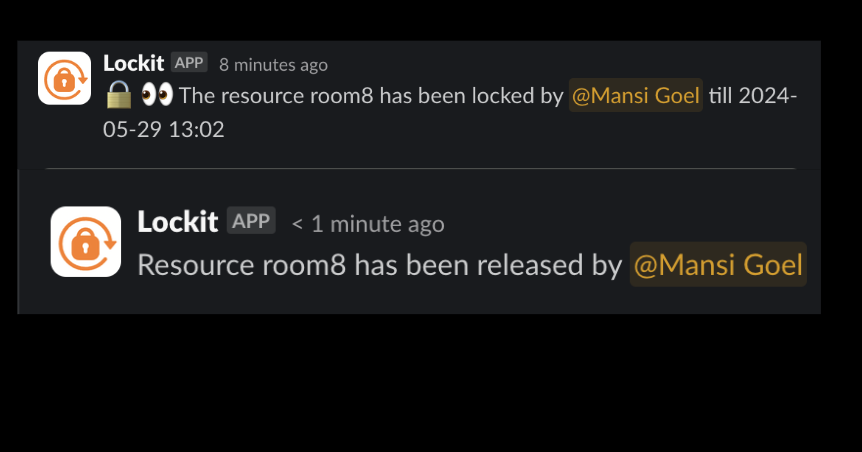
Each resource can have an updates channel. Whenever someone locks or releases it, Lockit posts there, so the team can see what's in use without asking.
Set the channel (Slack)
- When creating a resource with
@Lockit new, pick a channel in Add the channel to get the lock release/lock updates. - For an existing resource, send
@Lockit edit <name>and change the channel there.
The channel is optional. Without one, Lockit doesn't post updates for that resource.
For a private channel, add Lockit to the channel before you select it: type
/invite @Lockit inside the channel. Lockit can't post in a private channel it
isn't a member of.
Discord
/lockit new uses the channel you run it in as the updates channel. Create the
resource from the channel your team watches.